
Data Logger & Telemetry
Storm 3 Data Logger
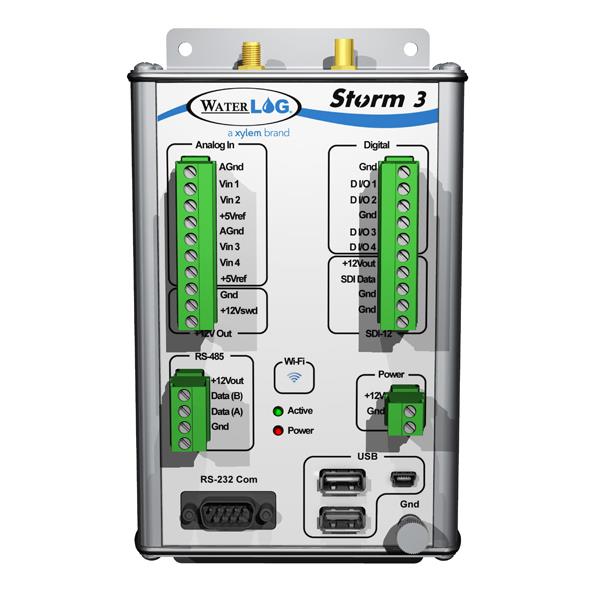
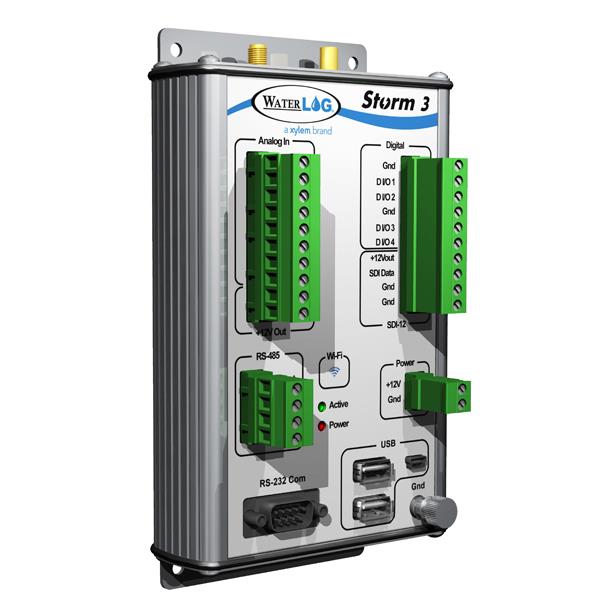
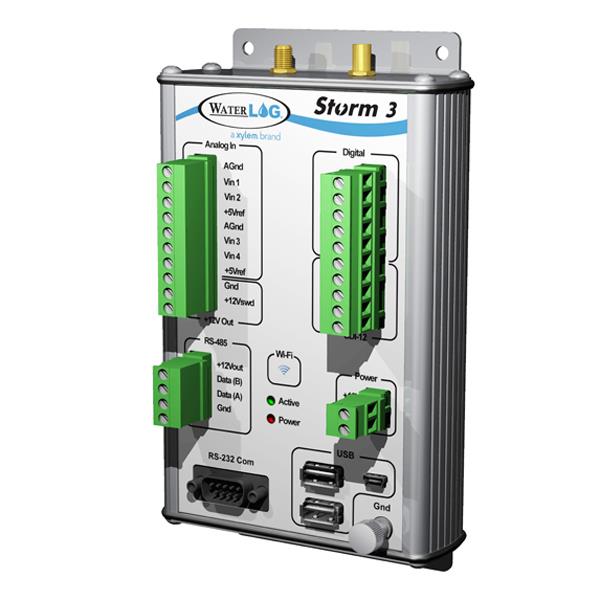
The Storm 3 data logger incorporates a balanced set of inputs for analog, digital I/O and SDI-12 smart sensors to allow communication through cellular modems and GOES satellite. It is easy to configure and log data using the browser-based graphical user interface (GUI) with all standard web browsers on PCs, tablets and smartphones.
You can also view your password-protected and public data anywhere with internet access when paired with our cloud hosted data collection solution HydroSphere.
Looking for enhanced remote access and system control? Explore the HydroRIG—YSI’s first remote intelligent gateway that combines a data logger and modem into a single device!
| Feature | Storm 3 | HydroRIG |
| Primary Use Case | Logging enviromental sensor data | Logging, managing, and transmitting data from remote stations with automation |
| Function | Collects, stores, and can process data from connected sensors | Acts as a data logger and a bridge between a data logger and web-based platforms |
| Communication | USB, Wi-Fi, Modem (optional), External Satellite | USB, Wi-Fi, Modem (Integrated), External Satellite |
| Sensor Inputs | Digital, analog, RS-485, and RS-232 | Digital, analog, SDI-12, RS-485, and RS-232 |
| Web-Based Data Visualization Platform | HydroSphere | HydroSphere |
| Connectivity / Communications | USB, Wi-Fi, Cell Modem (optional), External Satellite |
|---|---|
| Connector | SDI-12 3-pin connector, RS-232 9-pin D connector (male), RS-485 4 position screw terminal, Power Connector 2 position screw terminal |
| Operating Temperature | -40 ° to +60 ° C |
| Power | Voltage Input: 10.0 to 16.0 Volts reverse voltage protected; Current Standby: 3.5 mA Max, Active: 50.0 mA Typical; Current with Internal Modem Standby: 4.5 mA, Max Active: 100 mA Typical |
| Storage Temperature | -50 ° to +80 ° C |
| Warranty | 2 years |
- Application Notes
- Blog Posts
- Brochures and Catalogs
- Guides
- Manuals
- Specification Sheets
- Technical Notes
HydroSphere™
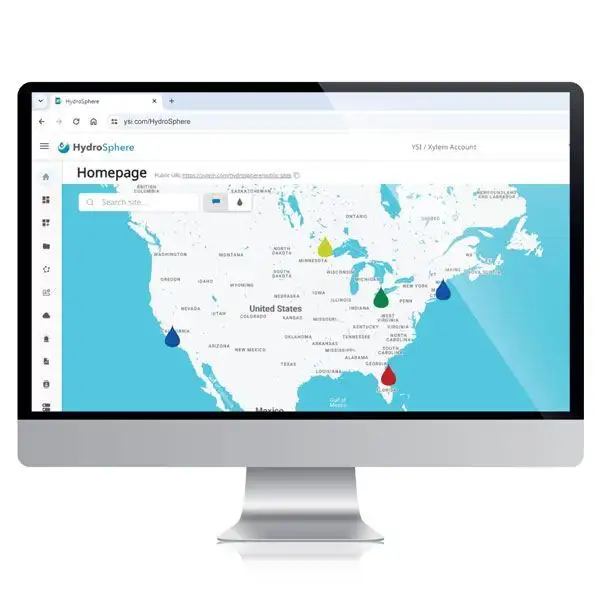
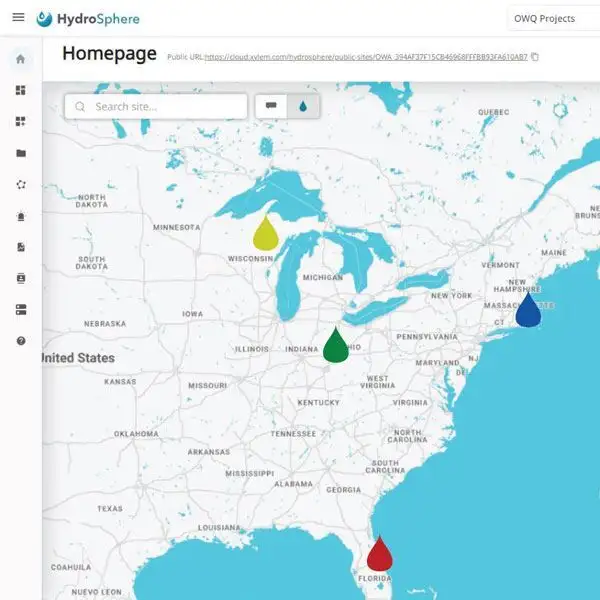
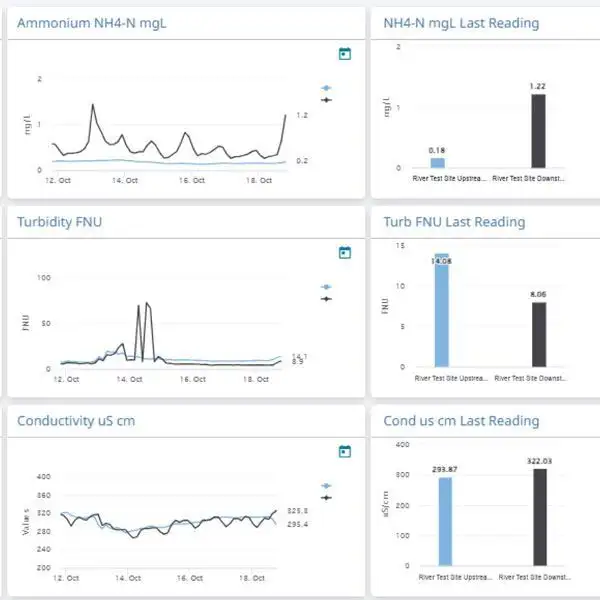
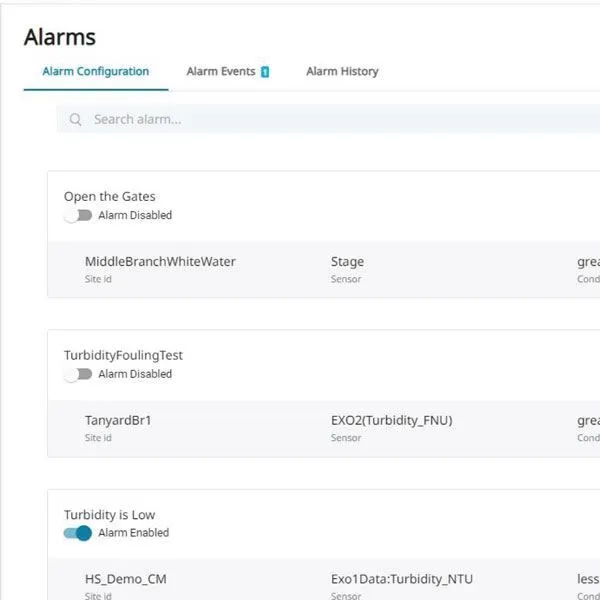
HydroSphere™ is a collaborative web-based data visualization platform for environmental monitoring. Take full control over how you view, manage, and respond to your environmental data, with flexible, user-driven features that allow you to:
- Seamlessly connect and upload data from a wide range of devices, systems, and brands
- Visualize and organize your data with fully customizable data dashboards with graphs, tables, and other widgets
- Set intelligent, data-driven alarms with configurable notifications and escalation pathways
- Secure your data with password-protected logins, tiered user access, and cloud-hosted infrastructure
- Easily share and export data via a public, view-only website, SFTP or HydroLINK API transfer, or automated emails to your contact lists and view on any device
HydroSphere provides remote data access anytime, anywhere.
Integration and accessibility
- Connect seamlessly to a wide range of telemetry-enabled devices like HydroRIG
- Access data anytime, anywhere, on any web-enabled device including laptops and mobile phones
- Integrate 3rd party data sources such as rainfall or event duration monitoring
- Customize data dashboards with graphs, tables, and other widgets
- Choose dashboards to add to a view-only website for public access via a shareable link
Smart data visualization and management
- Set advanced parameter-based threshold alarms with intelligent escalation pathways that notify users automatically via email or text
- Automate and customize report content then export and share when, how, and to whomever you choose utilizing HydroLINK API and other data transfer methods
- View all connected sites through an interactive map with clear, color-coded indicators displaying each location’s status
- Automatically connect to HydroRIG with the push of a button
Keep your data secure
- Hosted on Amazon’s secure, reliable AWS infrastructure with 99.9%+ uptime, including intelligent systems that backfill missing data when field transmissions are interrupted
- 24/7 system monitoring, utilizing machine learning for data classification and protection
- Advanced security controls across applications, servers, and networks
- Personalized tiered login credentials to manage access
- Application Notes
- Blog Posts
- Real-time water data, simplified | Introducing HydroRIG™
- The True Cost of Data | What’s Below the Surface?
- Environment Act in UK Sets a Global Benchmark for Rivers
- How to Overcome Data Uncertainty in Water Quality Monitoring
- Determining the Source of Stream Toxins with Continuous Monitoring
- On the Level | Stormwater Monitoring for a Refinery’s NPDES Permit
- Guides
- Manuals
- Specification Sheets
- Technical Notes