
GroundTEM Trek
ABEM GroundTEM Trek
A backpack-mounted mobile TEM solution for rapid groundwater and environmental mapping
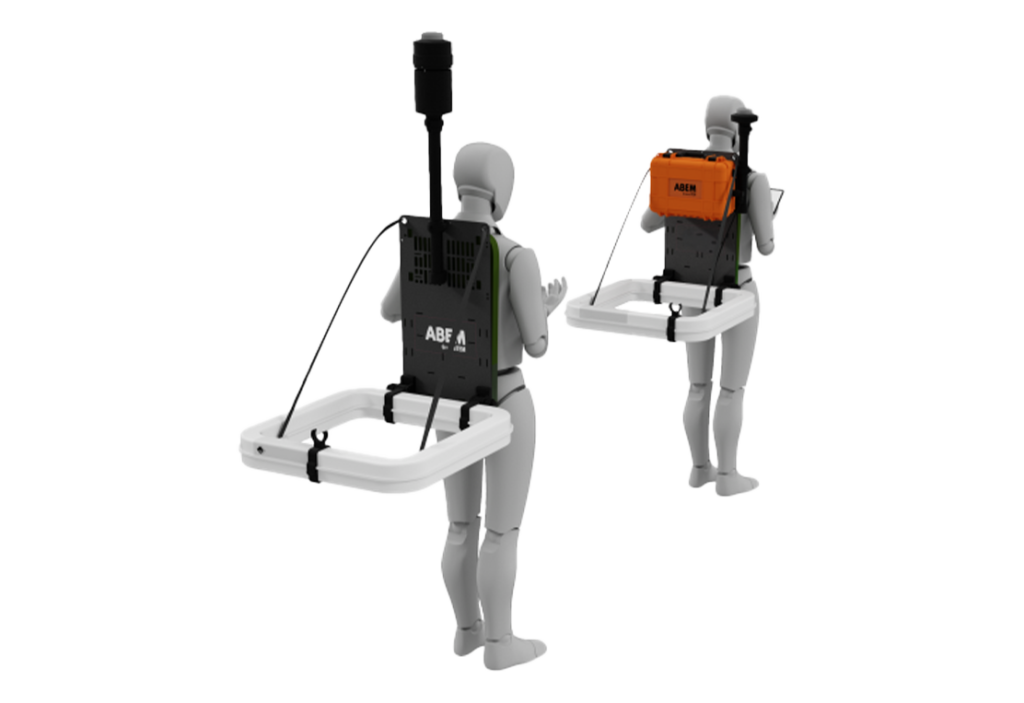
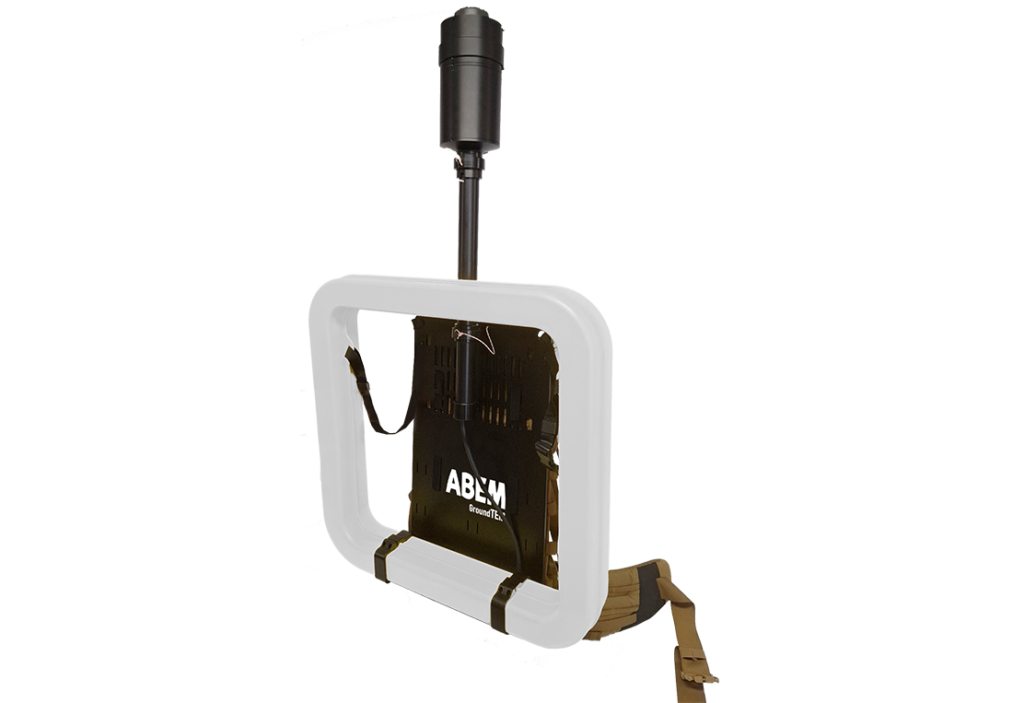
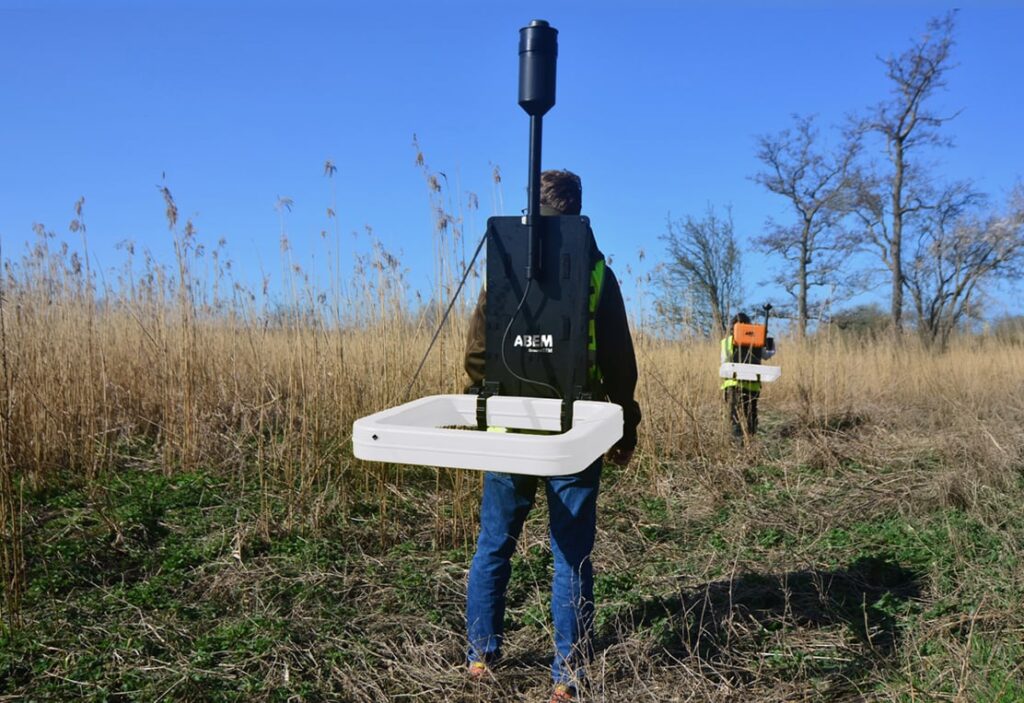
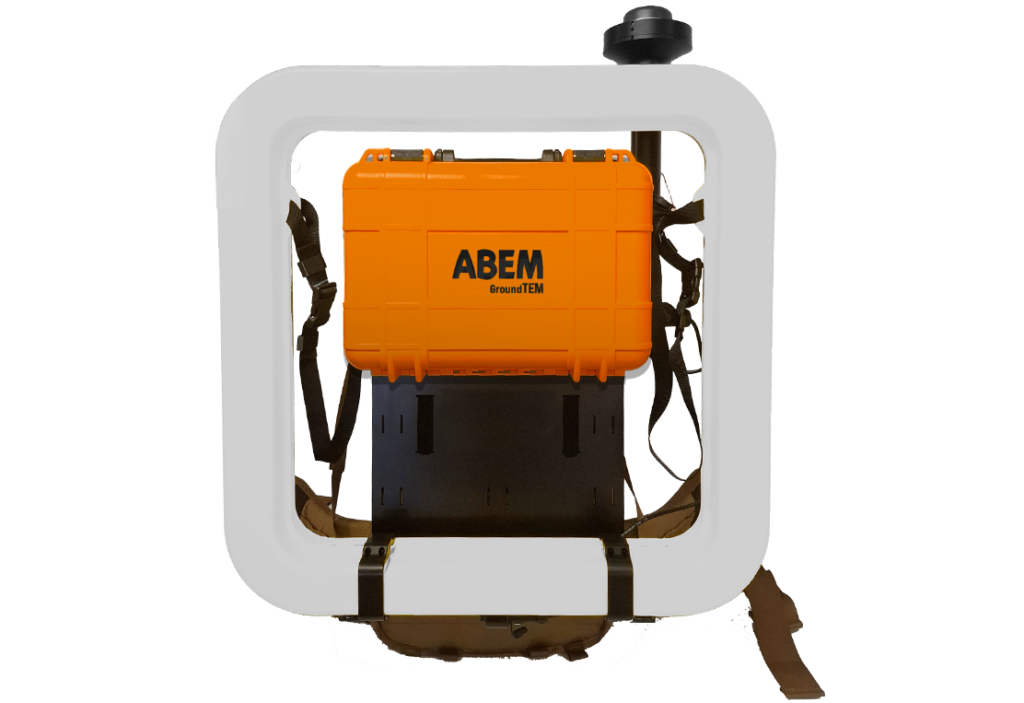
ABEM GroundTEM Trek maps subsurface geology for applications in hydrogeology, geotechnical surveys, and mining. Its lightweight backpack-mounted transmitter and receiver allow efficient surveying even in remote terrain.
With a depth range of 50–100 m, the system records continuous data with GNSS and altitude tracking. When Premium features are enabled, real-time processing and inversion reveal geological structures instantly in the companion mobile app.
Take your exploration where vehicles can’t go. The ABEM GroundTEM Trek is a professional, backpack-mounted TEM-system designed for true mobility. Split into lightweight transmitter and receiver modules (approx. 12-15 kg each), the system allows you to collect continuous data simply by walking. Whether you are navigating steep hills, forestry, or uneven construction sites. If you can hike it? You can map it. The wireless design eliminates cumbersome cables, ensuring a safer and faster workflow in even the most challenging terrain.
Comprehensive Coverage
Conduct surveys along lines or 3D, covering entire landscapes with depths ranging from a meter to 100 m.
Superior Data Quality
Advanced electronics and robust design ensure reliable and accurate measurements, even in challenging field conditions.
High Efficiency
With the backpack-mounted carrying system you can make larger surveys faster and more efficient than with a static system.
GroundTEM Trek app
Alongside the hardware, there is a software requirement for controlling the instrument. The GroundTEM Trek App is necessary for:
- Configuring the instrument
- Collecting data
- Reviewing data
- Visualizing maps and drawings
- Navigation
It has a basic GIS-type presentation where multiple maps, figures and drawings can be uploaded and overlaid onto each other with or without transparency. The software paints a swath behind the system as data is collected (below left).